Free Good Better Best Pricing Template for HVAC
Enter your cost and hours for three options. The workbook prices each one, shows the margin and the average sale, and prints a customer copy with Better highlighted.
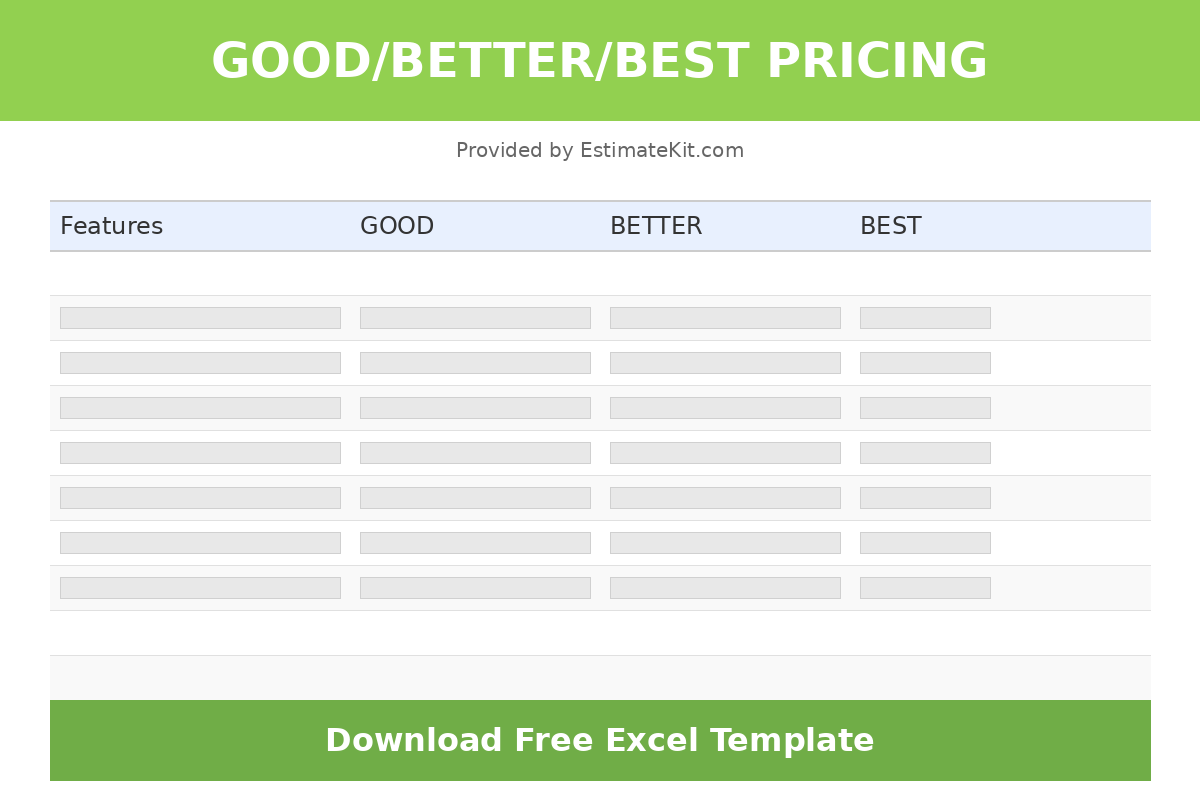
A Good Better Best Pricing Template That Starts From Your Cost
Three options on one quote changes the question the homeowner asks. It stops being yes or no and becomes which one. The hard part is pricing three systems properly on the spot. This template does the arithmetic: you enter the equipment cost, materials cost, labor hours and other costs for each tier, and it applies your markups and labor rate, adds tax, and shows the price and gross margin for Good, Better and Best side by side.
It also shows the average sale you can expect from the mix of options customers choose, compared with quoting the Good option alone, so you can see what offering three is worth.
Free, and it downloads straight away, no email needed. For how to build the tiers and present them, read good, better, best quotes.
What's in the Good Better Best Pricing Template
Four tabs. Type in the amber cells; everything else is a protected formula.
Start Here
Four steps: Settings, describe the options, enter cost per option, print the Customer Copy.
Settings
Company block, billable rate ($125) and labor cost ($87), 7% sales tax, markups by category (the Options tab uses Equipment at 40%, Materials at 35% and Other at 15%), 50% deposit, 30-day validity and a one-year labor warranty.
Options
Customer, quote number, date and valid-until. Seven feature rows describing each tier, starting with a 14 SEER, a 16 SEER and an 18+ SEER variable-speed system. Your cost per tier (equipment, materials, labor hours, permits and other). Price per tier with each component, tax, price to customer, your cost and gross margin. Then the share who choose each option and the average sale.
Customer Copy
Your header and the customer's details, the three prices across the top with Better marked recommended and highlighted, the seven feature rows under each, terms, and an Option chosen dropdown with signature and date. No costs or margins.
How to Fill In the Good Better Best Template
- 1
Fill in Settings
Your rate, labor cost, tax and markups. The three prices are built entirely from these.
- 2
Describe the three options
Rewrite the seven feature rows for this job. Make the differences concrete: efficiency, thermostat, filtration, installation extras, warranty length, included maintenance and emergency service.
- 3
Make Better the one you'd choose
Better is the column marked recommended on the Customer Copy. Build it as the system you'd put in your own house.
- 4
Enter your cost per tier
Equipment cost, materials cost, labor hours and permits, disposal and other for each option. Higher tiers usually take more hours, so don't copy the hours across.
- 5
Check prices and margins
Read the price to customer and gross margin under each option. If they're under your target, raise the markups on Settings.
- 6
Set the share who choose each
Start with your best guess and replace it with real numbers as quotes come back. The average sale updates.
- 7
Print the Customer Copy
Save it as a PDF. The customer marks the option they choose, signs and dates it.
Worked Example: Three AC Options
Example only, using the starter costs in the file and the starting Settings (40% equipment, 35% materials, 15% other, $125 an hour billable, $87 cost, 7% tax). The sheet shows prices to the whole dollar.
The average sale is 0.2 x $5,460.50 + 0.6 x $7,497.40 + 0.2 x $9,828.55 = $7,556.25, using the unrounded prices. It's only as good as the shares you put in, so track what your customers actually pick.
Margins near 28% are below the 35% you'd want on an install, which comes from the 40% equipment markup: 40% markup is a 28.6% margin. The good better best pricing calculator models what three tiers do to revenue across a month of estimates.
Good Better Best Pricing Template FAQ
How is this good better best pricing template different from the HVAC proposal template?
The pricing math on the Options tab is the same. This template prints a one-page Customer Copy with the three options side by side, terms and an acceptance line. The proposal template adds a project overview, a scope of work and a timeline for bigger jobs where the customer wants more than a price.
Can I change what each option includes?
Yes. The text for each tier on the seven feature rows (system, thermostat, air quality, installation, parts warranty, maintenance, emergency service) is an input cell, and it prints on the Customer Copy as you write it. The row labels themselves are fixed unless you unprotect the sheet, which has no password.
Why are the margins almost the same on all three options?
Every tier uses the same markups from the Settings tab, so margin stays close to level as the price rises. If you want the premium option to carry more margin, raise the markups on Settings or price its extras into its costs.
Does the price to the customer include sales tax?
Yes. Each option's price adds sales tax on the marked-up equipment and materials. Labor and the permits, disposal and other line are not taxed. The margin figure is calculated before tax.
What is the average sale figure?
It weights each option's price by the share of customers you expect to pick it. The file starts at 20% Good, 60% Better and 20% Best. Replace those with your own numbers once you've sent a few three-option quotes, and keep the three shares adding to 100%.
Related Guides and Calculators
Rather Do This in an App?
EstimateKit does this in an app, $49 a month for the whole crew, 14-day free trial, no card.
Start Free Trial