Free HVAC Service Invoice Template
For service calls, diagnostics and repairs. Parts take your markup automatically, tax applies to parts only, and payments turn the total into a balance due.
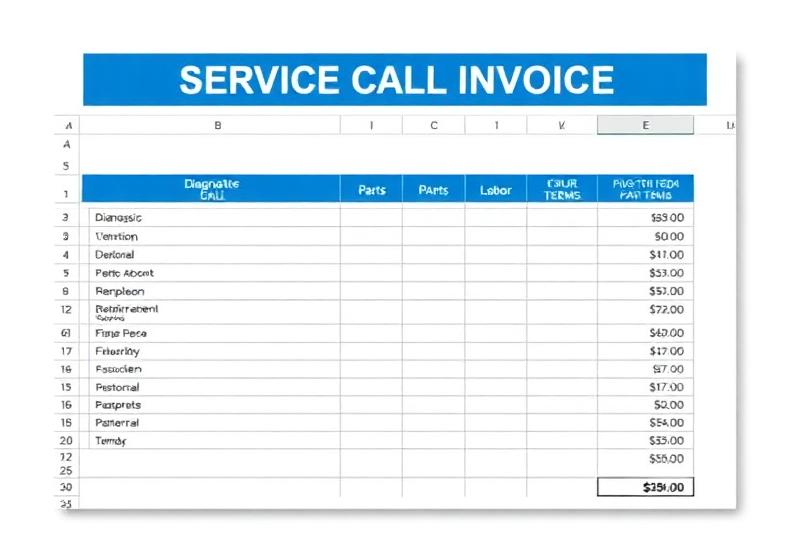
An HVAC Service Invoice Template for Repair Calls
A service call invoice is different from an install estimate. It goes out the same day, it mixes a flat diagnostic fee with parts and an hour or two of labor, and the customer pays before you leave or soon after. This template is built for that: one sheet, charges typed in the order you did the work, parts marked up automatically, tax on parts only, and a payments line that turns the total into a balance due.
There is space to write what was wrong and what you did, and a field for the equipment serviced with make, model and serial, which is the record you'll want on the next call to the same house.
The file is free and downloads straight away, no email needed. To set your diagnostic fee and parts markup in the first place, try the HVAC service pricing calculator.
What's in the HVAC Service Invoice Template
Three tabs. Amber cells are inputs; the rest are protected formulas.
Start Here
Four steps: Settings, the Invoice tab, recording payments, and printing. Plus the cell color key.
Settings
Company block and license number, billable labor rate ($125), your labor cost ($87), sales tax (7%), markups for Parts (100%) and Refrigerant (200%), and the diagnostic or service call fee ($125).
Invoice
Status dropdown (Unpaid, Partial, Paid), invoice number, service date, technician, a due date equal to the service date, customer and service address, equipment serviced, a work performed box, 12 charge lines with a type dropdown (Fee, Part, Refrigerant, Labor, Other), and totals: parts and refrigerant, labor and fees, sales tax on parts, total, payments received and balance due.
Off the print area
Markup and Your cost columns for each line and a Margin figure beside the total. They calculate as you go but sit outside the print area, so they don't print. The Rate / cost column does print, and on a Part line it shows your cost.
How to Fill In the HVAC Service Invoice
- 1
Set your fee, rate and markups once
Diagnostic fee, billable rate, labor cost, tax rate, and Parts and Refrigerant markup on the Settings tab.
- 2
Fill in the header
Invoice number, service date, technician, customer, service address and the equipment you worked on with make, model and serial.
- 3
Write up the work
In plain words: what was wrong, what you replaced and what you tested. It's the line customers read, and the one that settles disputes.
- 4
Add charges in order
The fee line is already there. Add each part with the type Part and your cost as the rate; the markup applies and the amount shows the marked-up price. Labor goes in with the type Labor and the hours as the quantity; the starter labor line pulls your rate from Settings, and on any added labor line you type the rate.
- 5
Use Refrigerant and Other correctly
Refrigerant lines take the refrigerant markup and are taxed. Other lines are added at the rate you type, with no markup and no tax, which suits a trip charge or a disposal fee.
- 6
Record payment
Enter what you collected in Payments received, then set the Status dropdown to Partial or Paid.
- 7
Print or save as PDF
The print area is the customer document, so File › Print or Save as PDF gives a clean invoice.
Worked Example: A No-Cool Call
Example only, using the starting Settings: $125 diagnostic fee, $125 an hour, 100% parts markup, 7% sales tax. The starter capacitor line plus a contactor added as a new Part line, one hour on site.
The margin figure for this call reads 26% (25.8% unrounded): $360 of charges before tax against $267 counted as cost ($125 fee, $55 of parts, one hour at $87). The fee is counted at full value, so the real margin on the call is higher.
If you want a different parts markup for small parts and big ones, type over the markup on that line. The HVAC markup chart gives parts markup ranges by part cost.
HVAC Service Invoice Template FAQ
Does the HVAC service invoice template add the diagnostic fee automatically?
The first charge line is the diagnostic or service call fee, and its rate comes from Settings ($125 to start). If you credit the fee toward the repair, set that line's quantity to 0 so it drops out of the total.
Which lines are taxed?
Only Part and Refrigerant lines. They add up to the parts subtotal, and the sales tax rate from Settings is applied to that. Fee, Labor and Other lines are never taxed. If you don't collect sales tax, set the rate to 0%.
Will the customer see my parts cost and markup?
Not the Markup and Your cost columns or the margin figure: they sit to the right of the print area, so a printout or PDF shows only description, type, quantity, rate and amount. But on a Part or Refrigerant line the Rate / cost column holds your cost, and it does print, so a customer can compare it with the amount. If that matters, type your selling price as the rate and set the markup on that line to 0%. Send a PDF rather than the spreadsheet either way.
How do I record a partial payment?
Type what the customer paid into Payments received and the balance due recalculates. Then pick Partial from the Status dropdown at the top. The status is a dropdown you set, not a formula, so update it when the balance is paid.
Why does the margin look low on calls with a diagnostic fee?
The Your cost column counts Fee and Other lines at their full amount, the same way it counts a part at its cost. That makes the margin figure conservative on any call with a fee. Labor lines are costed at your labor cost per hour from Settings.
Can I change the payment terms?
Yes. The payment terms line is an input cell. It starts as due on receipt, cash, check and major cards accepted, manufacturer warranty on parts and a 90-day labor warranty. Edit it to match how you work.
Related Guides and Calculators
Rather Do This in an App?
EstimateKit does this in an app, $49 a month for the whole crew, 14-day free trial, no card.
Start Free Trial